HubzillaCalc
A scientific calculator built for teaching, and for anyone who wants a calculator that behaves like the physical calculator they’re used to.
It works like the calculator on their desks
The same key layout. The same natural display. The same order of operations, and the same answers, right down to Statistics and Table modes. Work through a question on the board and every step matches what the class sees in front of them.
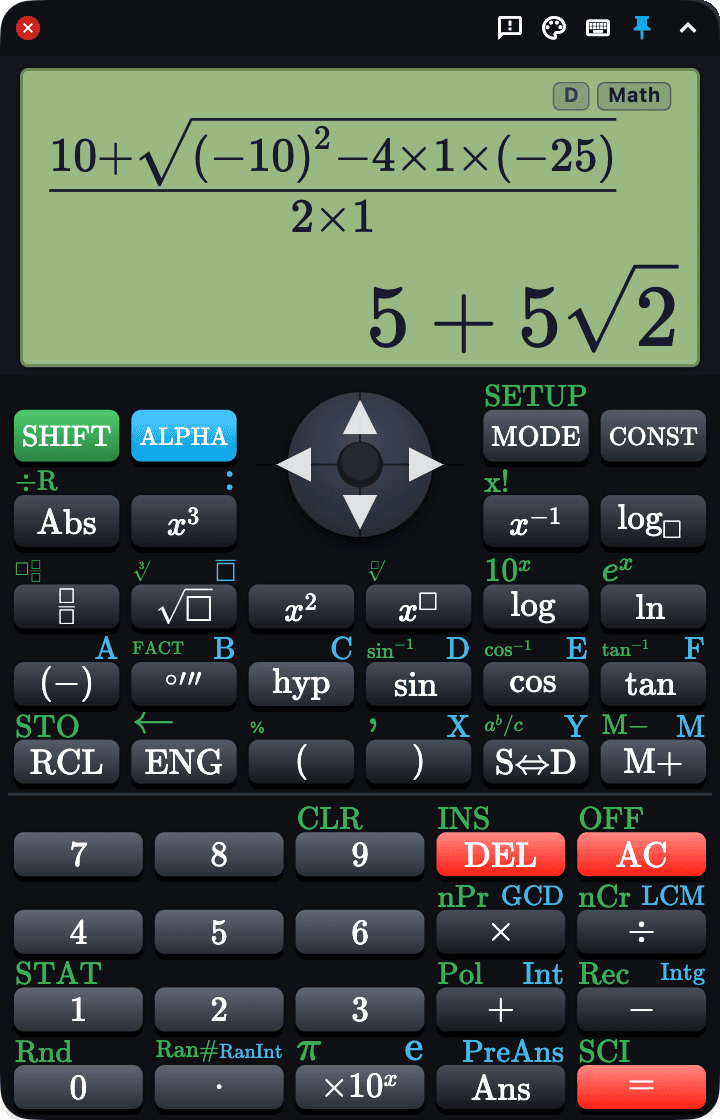
Two calculators in one
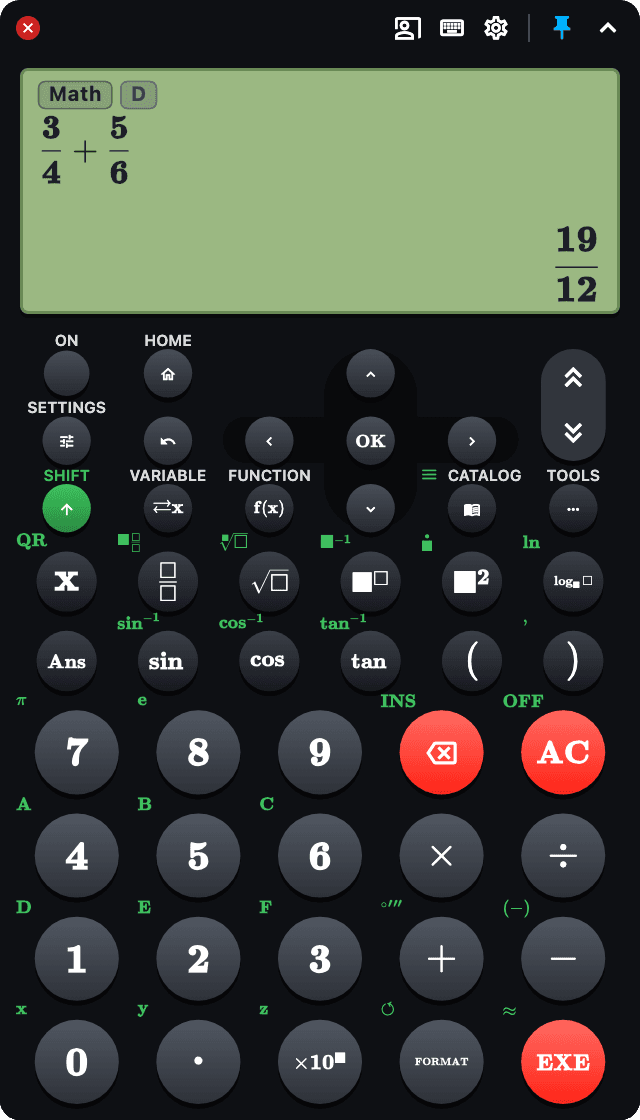
Classic has square keys and a MODE menu. Modern is the newer round-key design that many students now buy, with a HOME screen and Calculate, Statistics and Table apps, and CATALOG, TOOLS and FORMAT where they are on the handheld. Choose the one your class uses in Settings. Each keeps its own memories, so switching back finds the other as you left it.
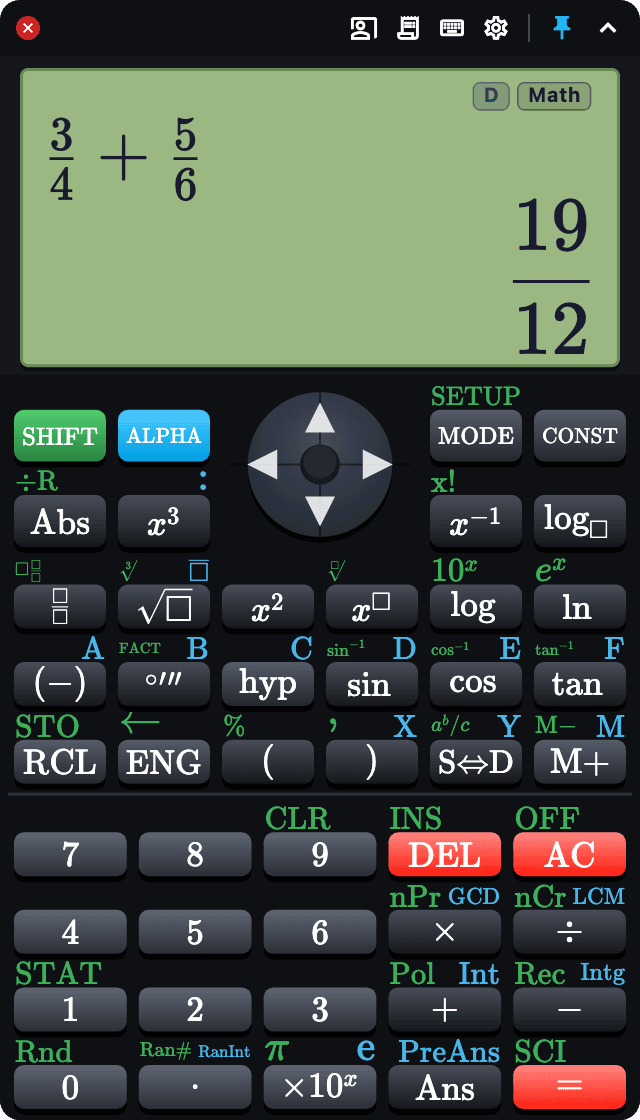
Built for the classroom
It stays where you put it
On Mac and Windows, pin the calculator above your whiteboard software, your slides and your browser, so it doesn’t vanish behind the lesson the moment you click back. On iPad, keep it in Slide Over and it floats over whatever you’re teaching from.

Presentation mode
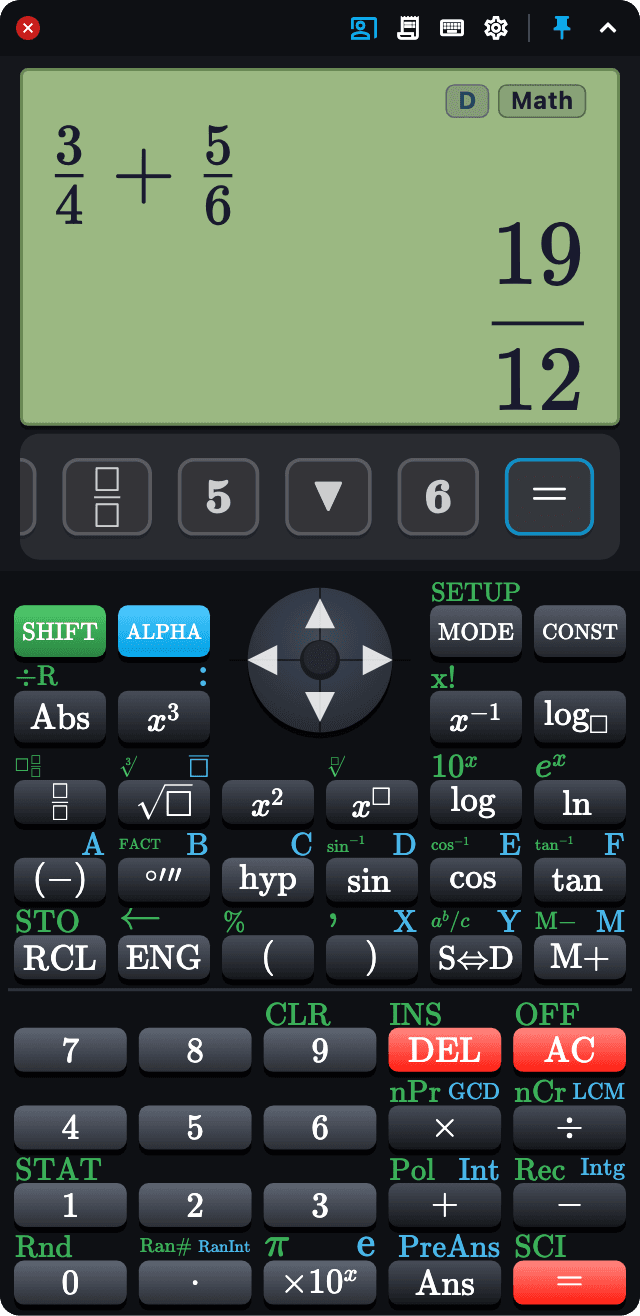
Every key you press lights up big enough to read from the back of the room, and a strip below the screen shows the keys you have just pressed. A student who looked up late can still copy the sequence: SHIFT 1 → STAT, not a guess at which key moved.
Type instead of hunting for keys
Drive the whole calculator from the keyboard, and every shortcut lights up the matching key on screen, so the class can follow exactly what you pressed. Press Ctrl F, or ⌘F on a Mac, and type nCr or hcf to find a function: SHIFT lights up, then the key, so the class sees where it lives.
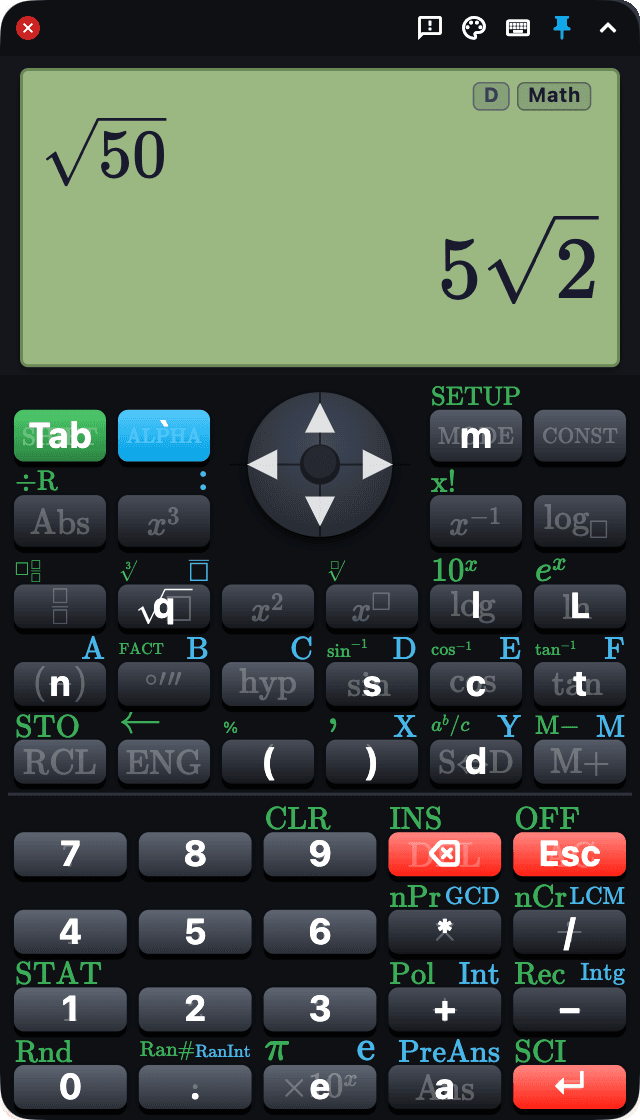
Readable from the back of the room
A big, high-contrast display and sixteen built-in themes, including one made for projectors. The theme can follow your computer’s light and dark mode, and a live editor changes every colour on the calculator to suit your room.
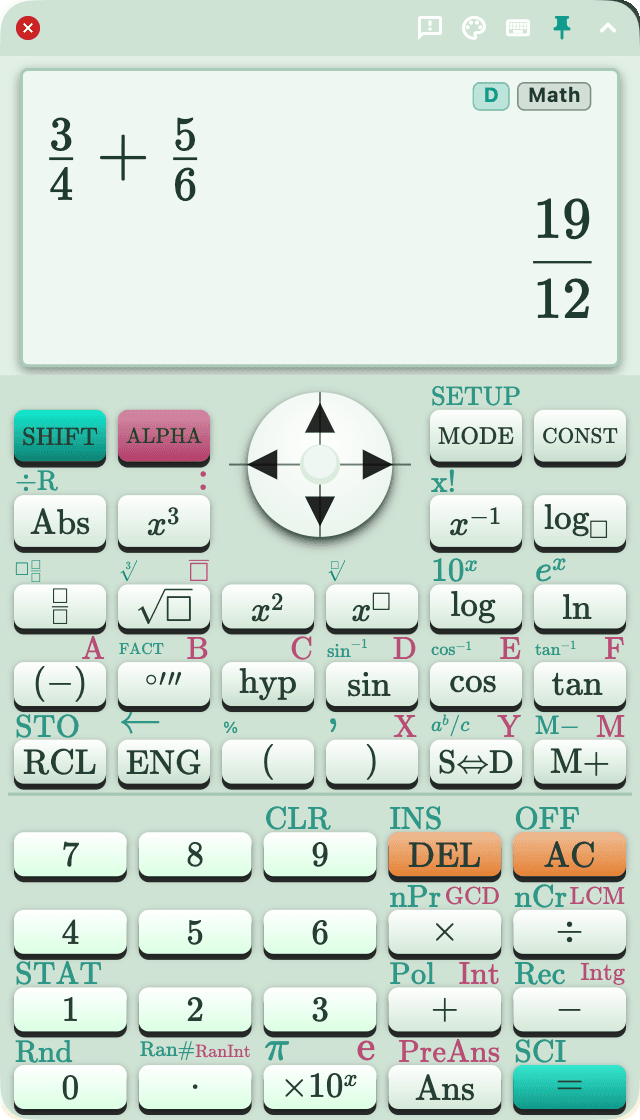
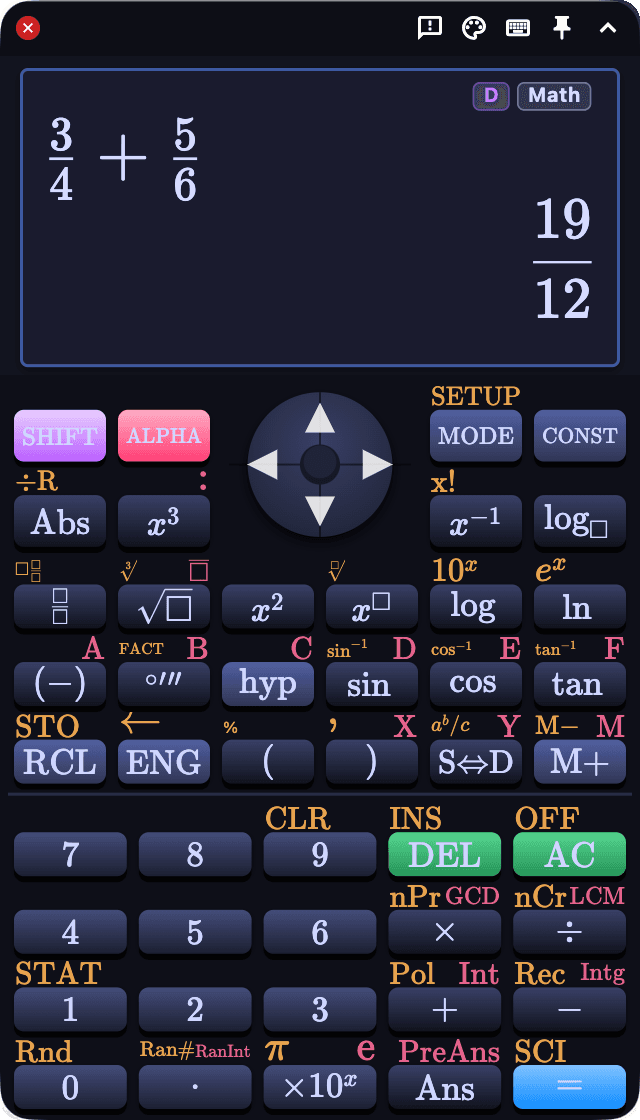
The whole calculator
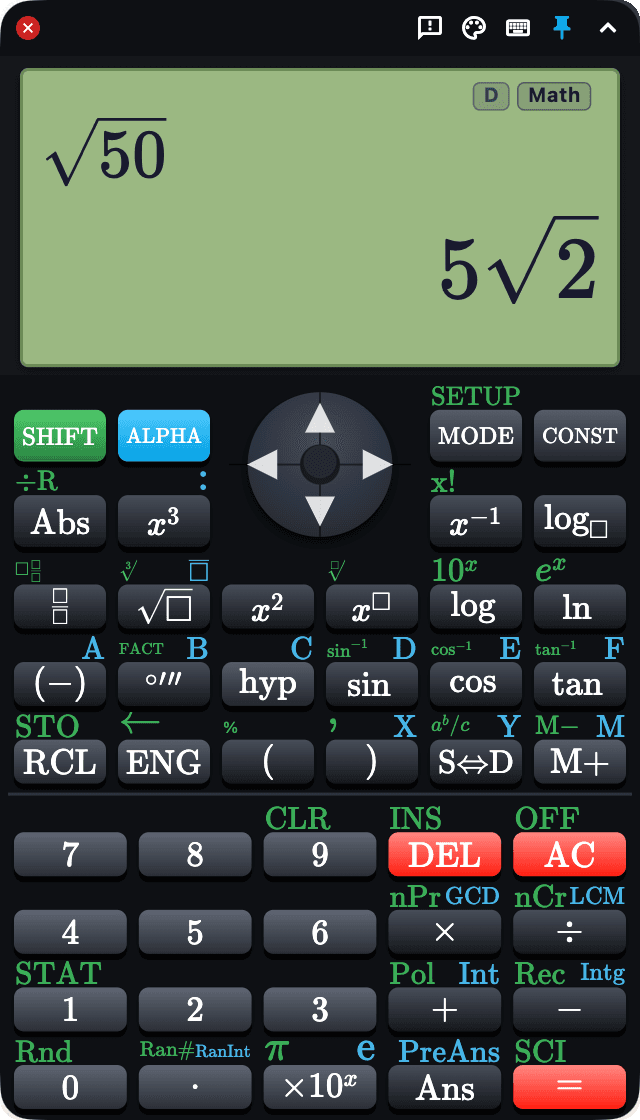
Natural display with fractions, surds and mixed numbers. Exact answers: √50 gives 5√2. Statistics with every regression type, tables of values for f(x) and g(x), memories and variables, degrees-minutes-seconds and prime factorisation. Classic adds a library of physics constants.
Private by design
No account, no ads, no analytics, no tracking. The App Store versions make no network requests at all, so it works entirely offline. See the privacy policy.
Pricing
HubzillaCalc is free, on every platform, with every feature available immediately.
Support
Bug reports and feature requests are welcome. A good number of the functions in the app are there because a teacher asked for them. Email jamie@hubzillamaths.com.
If a result looks wrong, please say so and include the exact keys you pressed.
The user guide (PDF) covers both calculators, presentation mode, the keyboard shortcuts and Settings.
Made by a maths teacher, for maths teachers.